How to Import Bookmarks from OneTab OR a list of URLs
This article explains how you can import your OneTab bookmarks into tabsFolders.
1)Open OneTab and click the Export / Import URLs menu item.
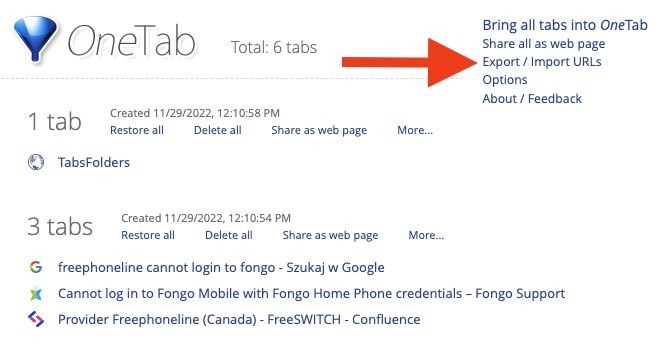
2)Copy the list of URLs from the OneTab box to your clipboard.

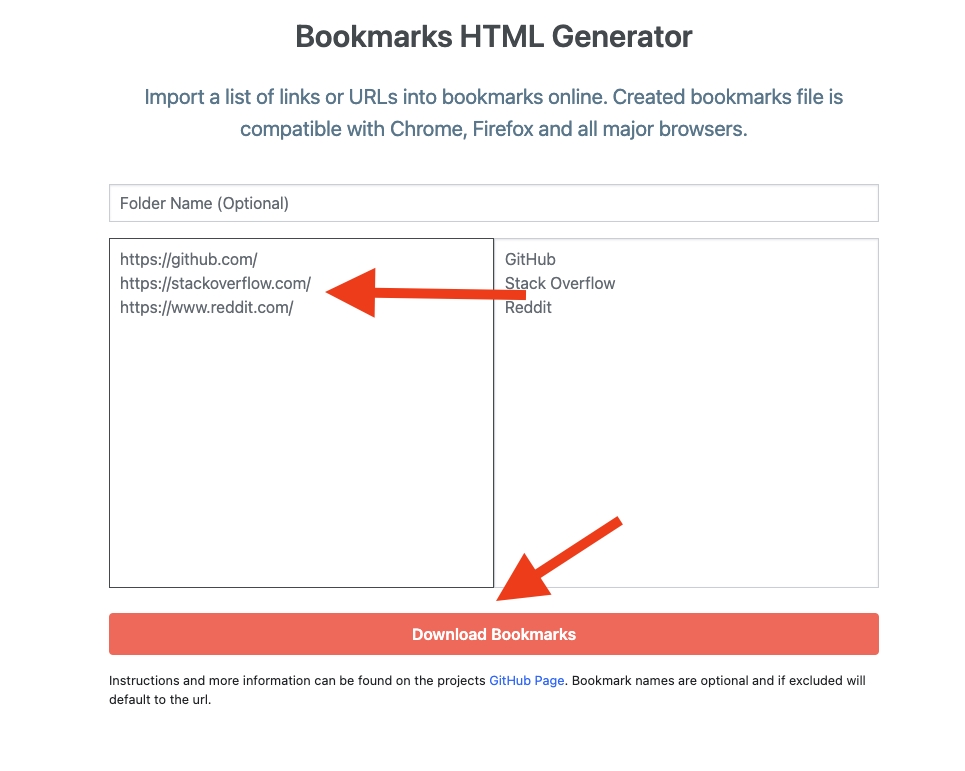
3)Open the website https://atkinsio.com/bookmarks-html-generator/
4)Paste your links into the left panel and click download bookmarks.
5)Import this bookmarks html file into your browser. (See here for chrome instructions: https://www.lifewire.com/import-bookmarks-and-other-browsing-data-to-google-chrome-4169402)
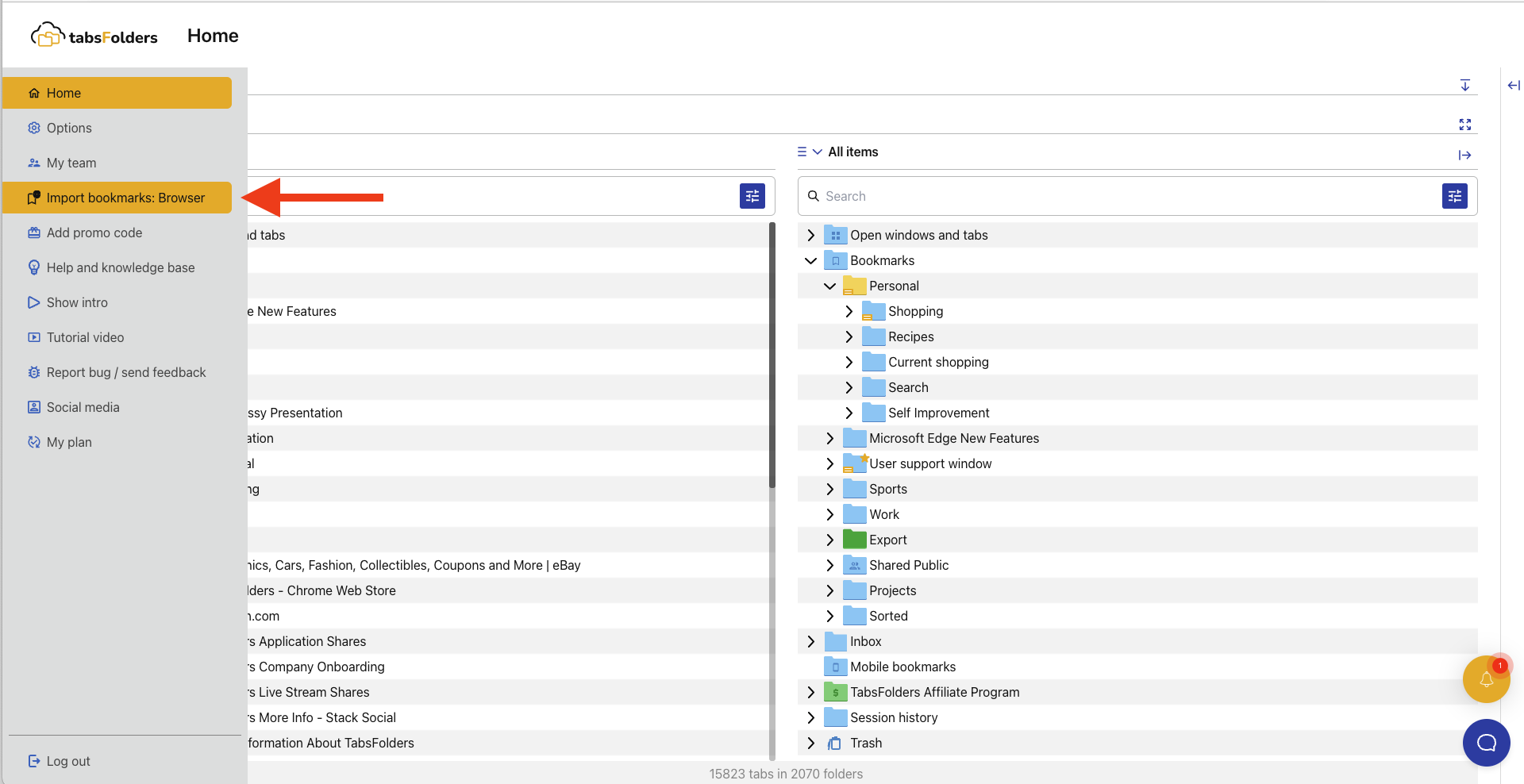
6)Open tabsFolders main screen and from the left menu click "import Browser Bookmarks".